How to make a photo postcard with your own handwriting
Make a digital photo postcard with Postcard on iPhone and iPad. Write with your finger or Apple Pencil, capture handwriting from paper, and save or share a personal greeting.
Choose or take a photo. Add your handwriting, and sound if you like.
Make a digital postcard to keep or share.
For iPhone and iPad · In-app purchases available
Your photo, the paper and your own words, together on one card.
TAKE A MOMENT
On iPhone models with Dynamic Island, the camera unfolds from the top of Home. Choose a film-inspired look, press the shutter, and watch the photo develop on paper.

Postcard Camera and on-device Photo Showcase
New photos stay in the showcase. Taking one does not automatically upload it or save it to Photos.
Scroll Home to the top on iPhone or iPad, then pull down again to open the camera.
A paper card appears first, then the photo comes into view. Tap or gently shake to speed up the reveal.
Each photo stays in your on-device showcase. Open one to view it, save it to Photos, or turn it into a postcard.
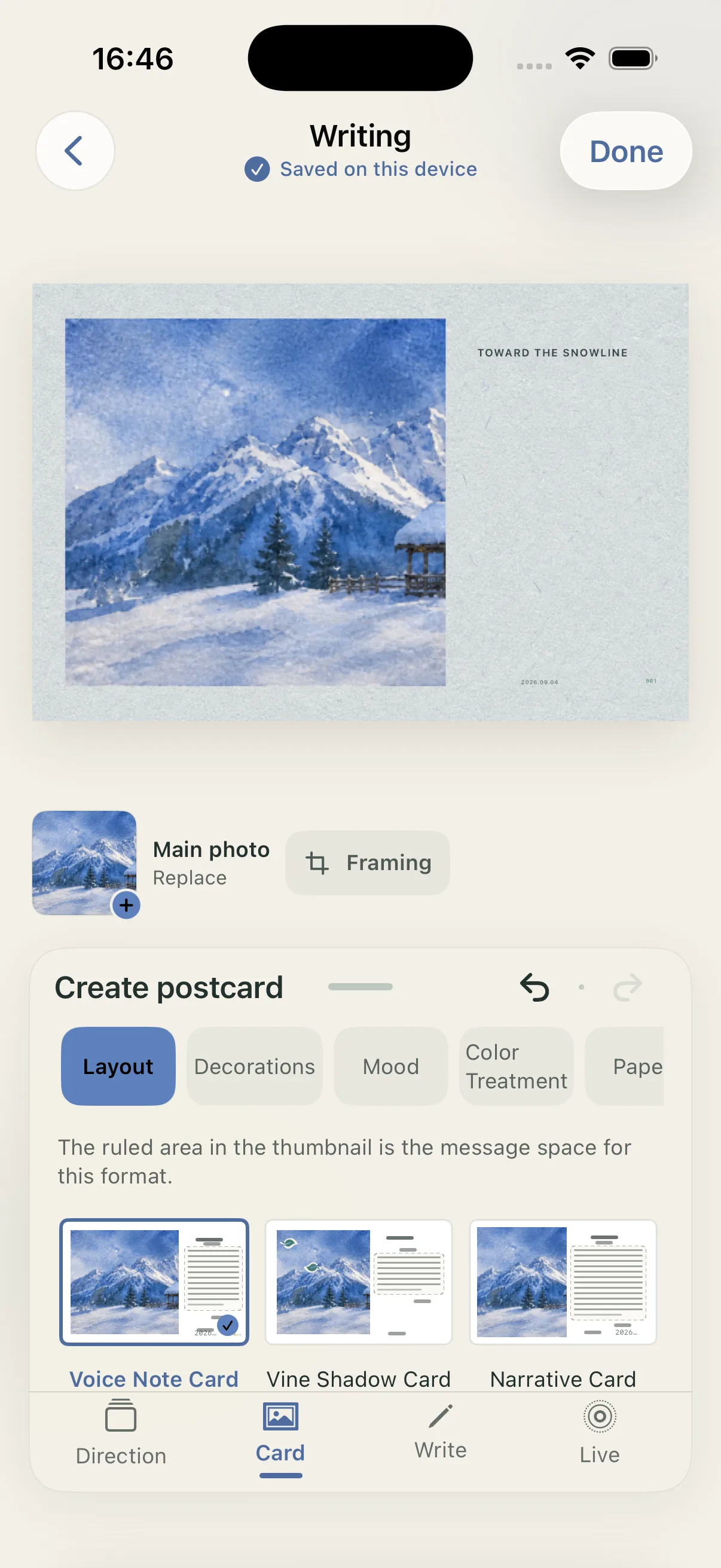
Move between layout, paper, image and writing while the postcard stays in view.
Choose a format and layout for one photo or several views. Give your message, date and empty space a place on the page.
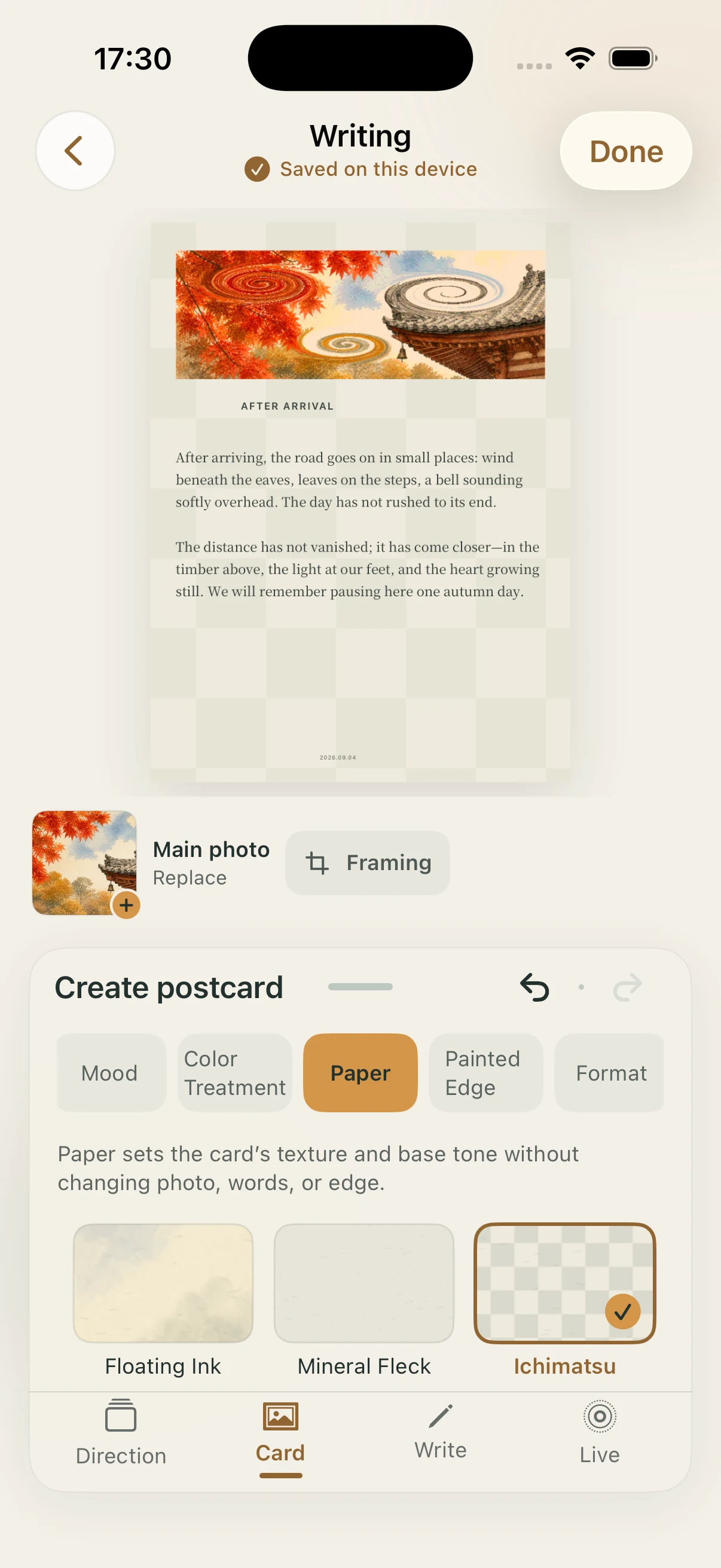
Choose a paper color and texture that suit your photo and words. Preview each one on the finished card.
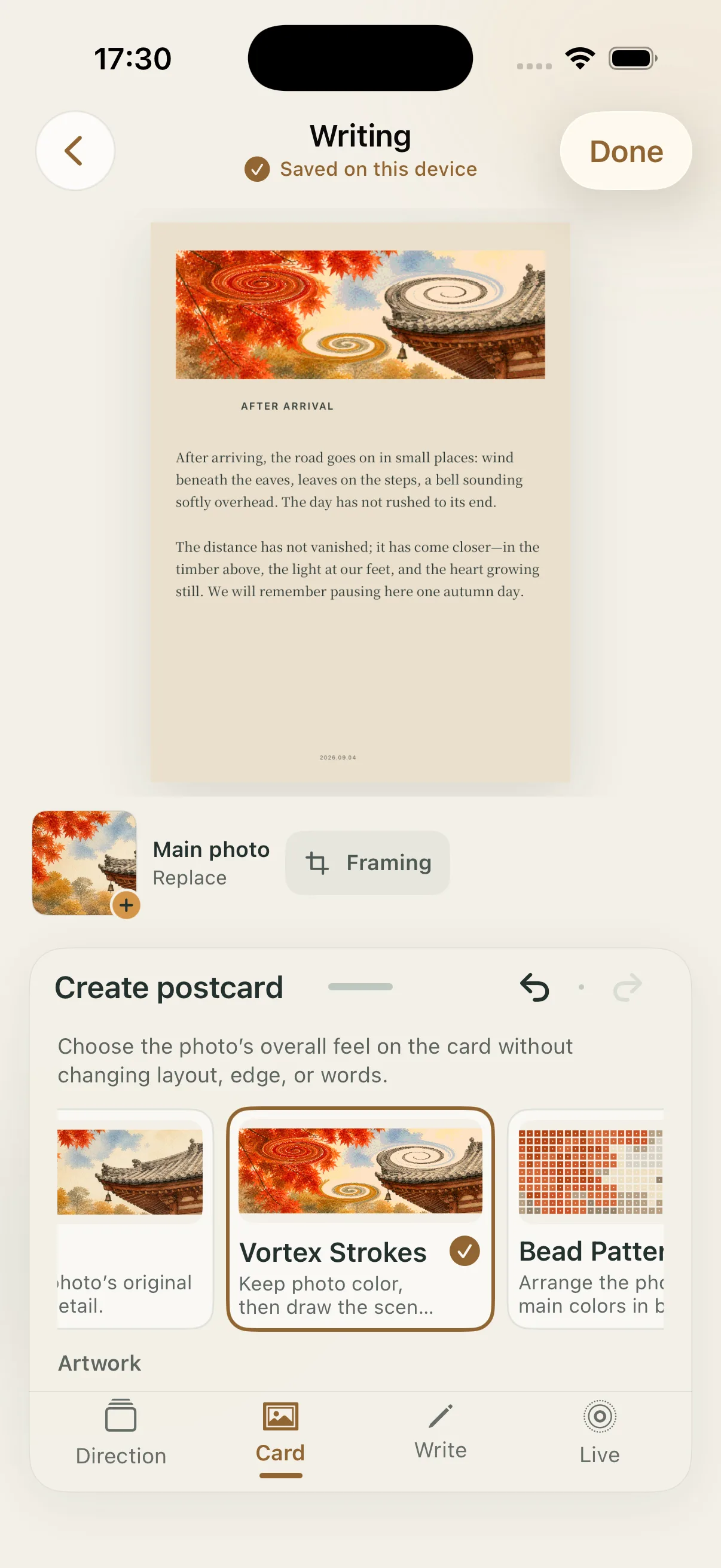
Keep the original color or try another look. Compare the result on the postcard before you decide.
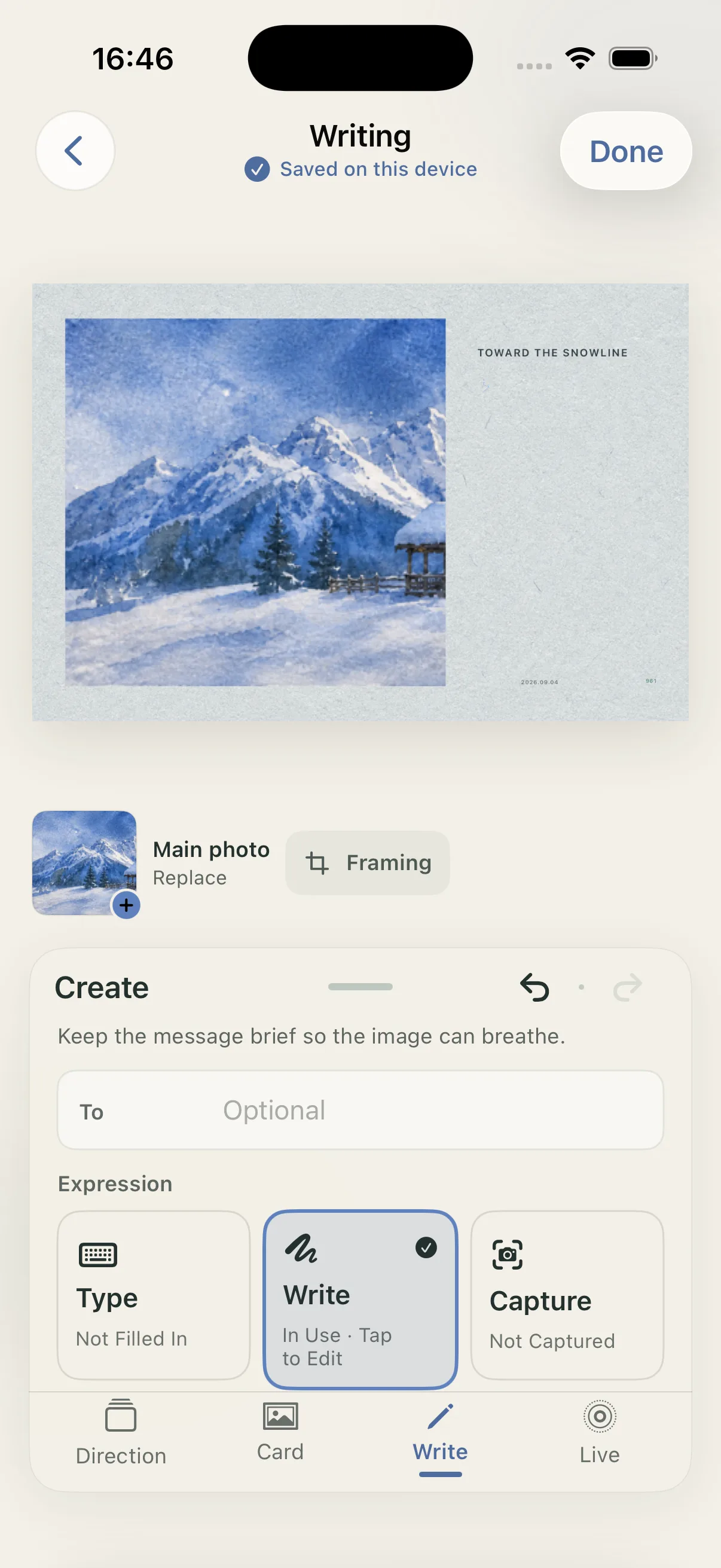
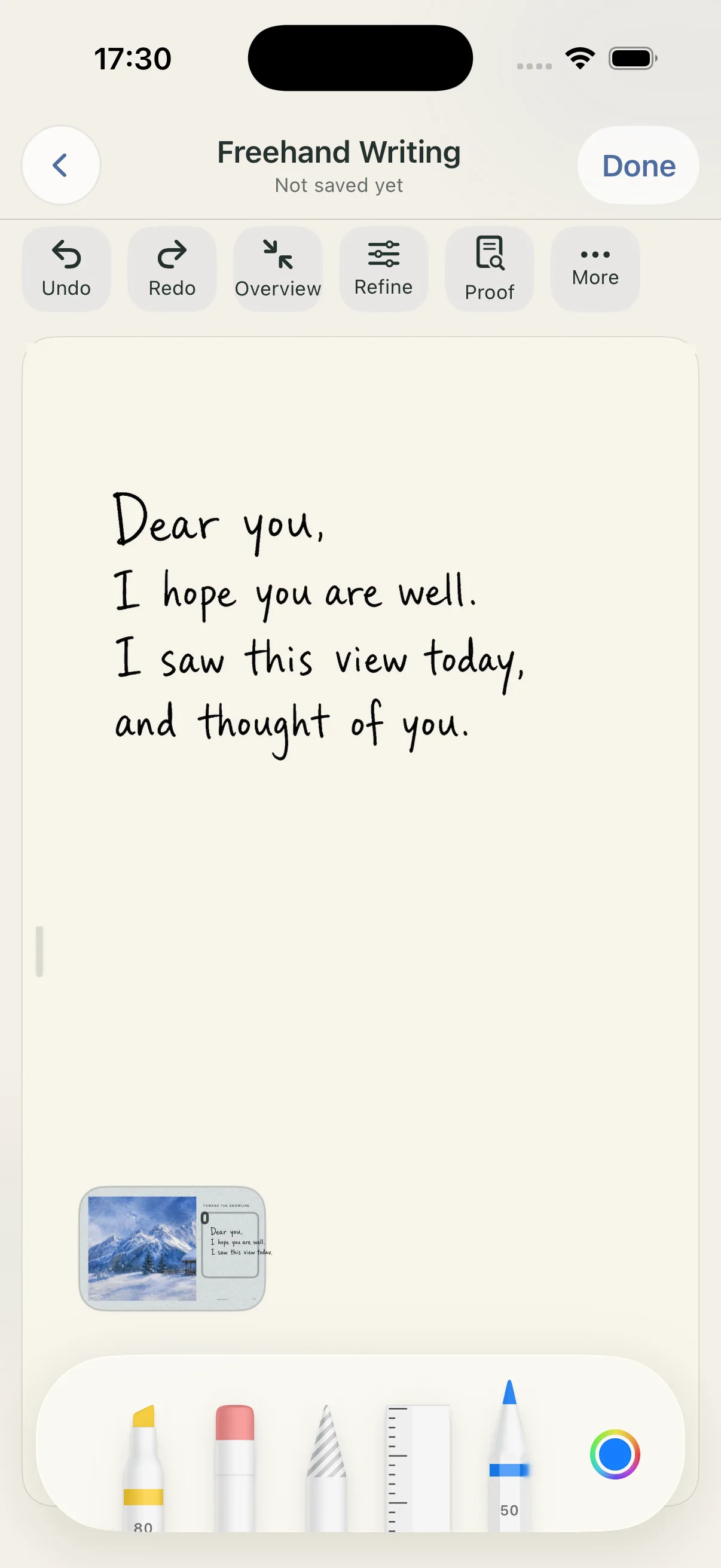
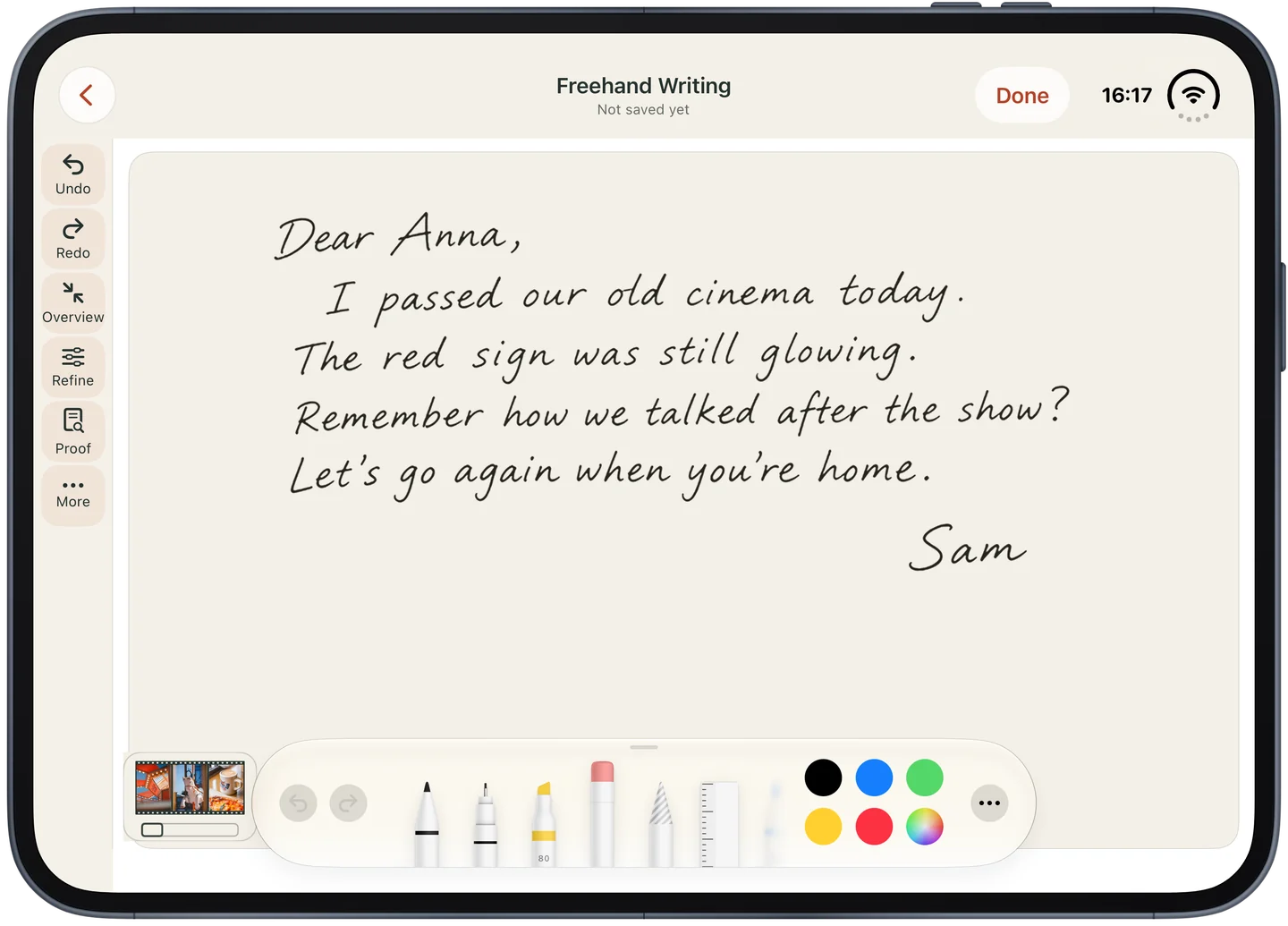
Type your message, write it by hand, or capture a note on paper. Place it where it belongs on the card.
Write in a focused canvas, then place the result on your postcard. Your strokes remain part of the finished work.
You can begin in Collections, too. Find a complete work you like, then continue it with your own photo and words.
Write in a focused canvas, then place the result on your postcard. Your strokes remain part of the finished work.
About saving, sound and how your photos are handled.
Try ordinary editing and final review for free. The first successful save or share is free for each App Store identity, and the first claim requires an internet connection. Unlock later new postcards individually at the price shown by the App Store. Save or share the same delivered work again without another unlock.
Save a still image or a Live Photo with motion and sound. Still images do not keep sound. Live Photo playback and sharing depend on the receiving platform’s support.
Ordinary editing, writing, drafts and recordings are handled on your device. Taking a photo does not upload it automatically. When you choose to share, the system sends the photo or postcard to the destination you select.
Postcard and 片笺 are the English and Chinese names of the same app. Start with photos, handwriting, and sound, then learn how to save and share.
Make a digital photo postcard with Postcard on iPhone and iPad. Write with your finger or Apple Pencil, capture handwriting from paper, and save or share a personal greeting.
Combine a photo, handwriting, motion, and a voice recording in Postcard. Learn when to choose a still image or Live Photo and why motion or sound may disappear after sharing.
Think of someone and begin with a photo. Keep the finished postcard for yourself, or share it with the person on your mind.